Source Code Security - Snyk
Installing NodeJS and npm
sudo apt install npm -y
Check the version:
tranvi0910@deployment-server:~$ node -v
v18.20.4
tranvi0910@deployment-server:~$ npm -v
v10.7.0
Installing Snyk with npm
Install Snyk on the Build Server:
npm install snyk -g

# Format HTML

npm install snyk-to-html -g
root@build-server:~# npm install snyk -g

added 36 packages in 56s

12 packages are looking for funding
  run `npm fund` for details
root@development-server:~# npm install snyk-to-html -g

added 23 packages in 5s

1 package is looking for funding
  run `npm fund` for details
Log in to the official Snyk website and proceed with authentication.
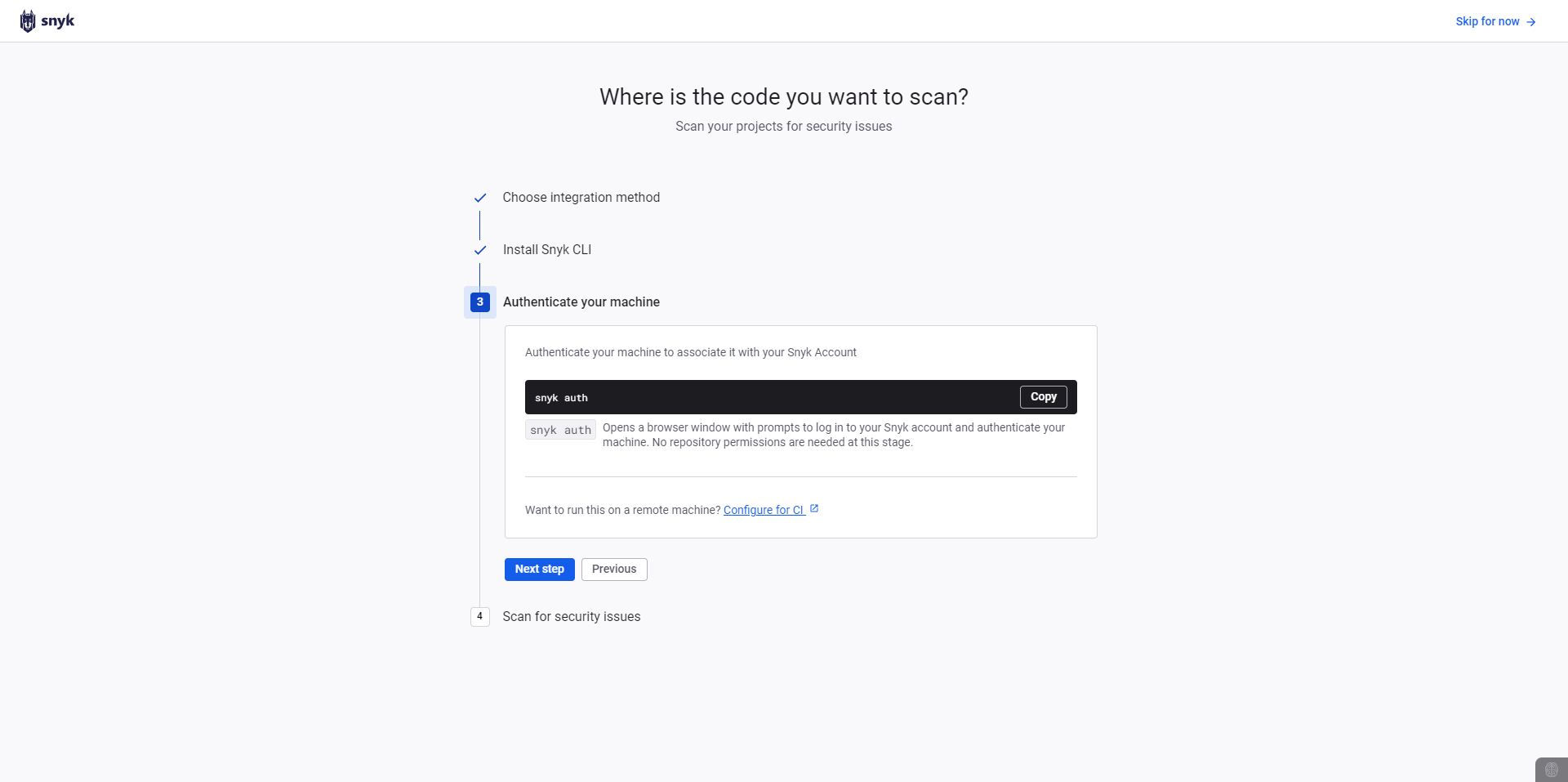
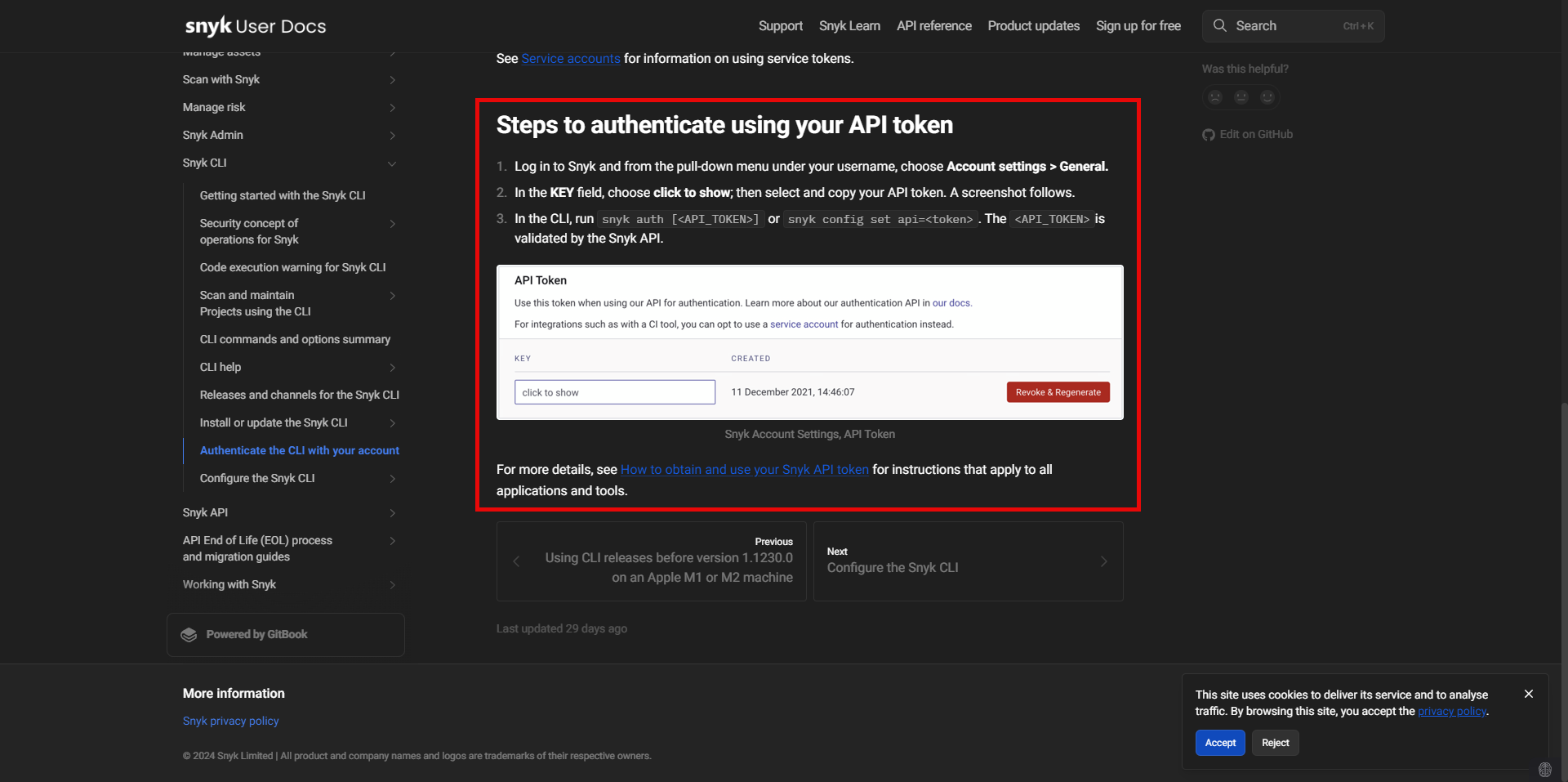
Get your API Token from your account:

Run the following command on the Development Server to authenticate Snyk:
snyk auth ab089484-2b45-4f10-b991-xxxxxxxxxxx
root@build-server:~# snyk auth ab089484-2b45-4f10-b991-d101f237fecb
Executable doesn't exist, trying to download.
Downloading from 'https://static.snyk.io/cli/v1.1292.1/snyk-linux' to '/usr/lib/node_modules/snyk/wrapper_dist/snyk-linux'
Shasums:
- actual:   xxxxxxxxxxxxxxx
- expected: xxxxxxxxxxxxxxx
Downloaded successfull!

Your account has been authenticated. Snyk is now ready to be used.
Navigate to the project directory and proceed with testing:
cd /projects/wineapp/wineapp-frontend

snyk test
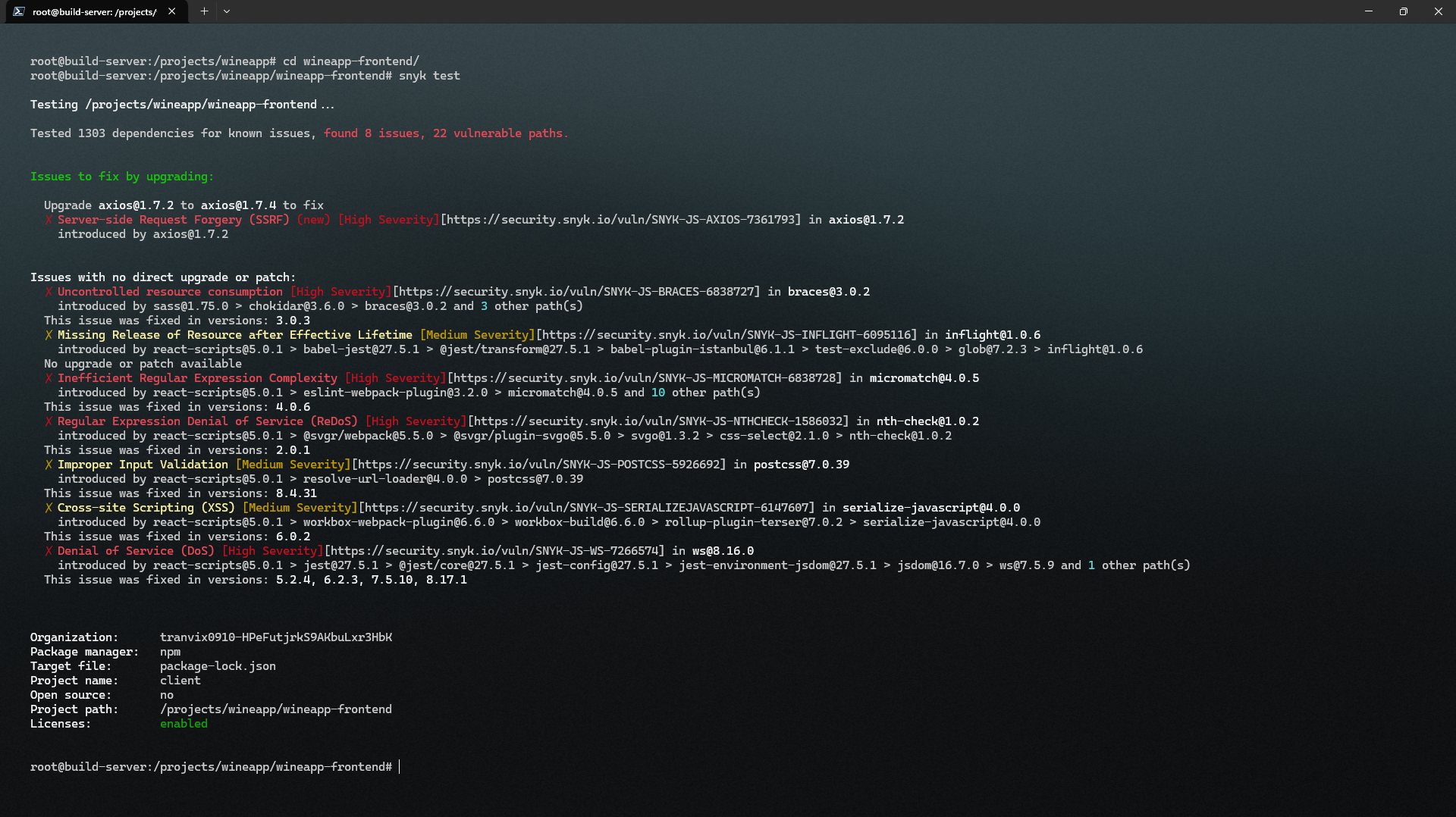
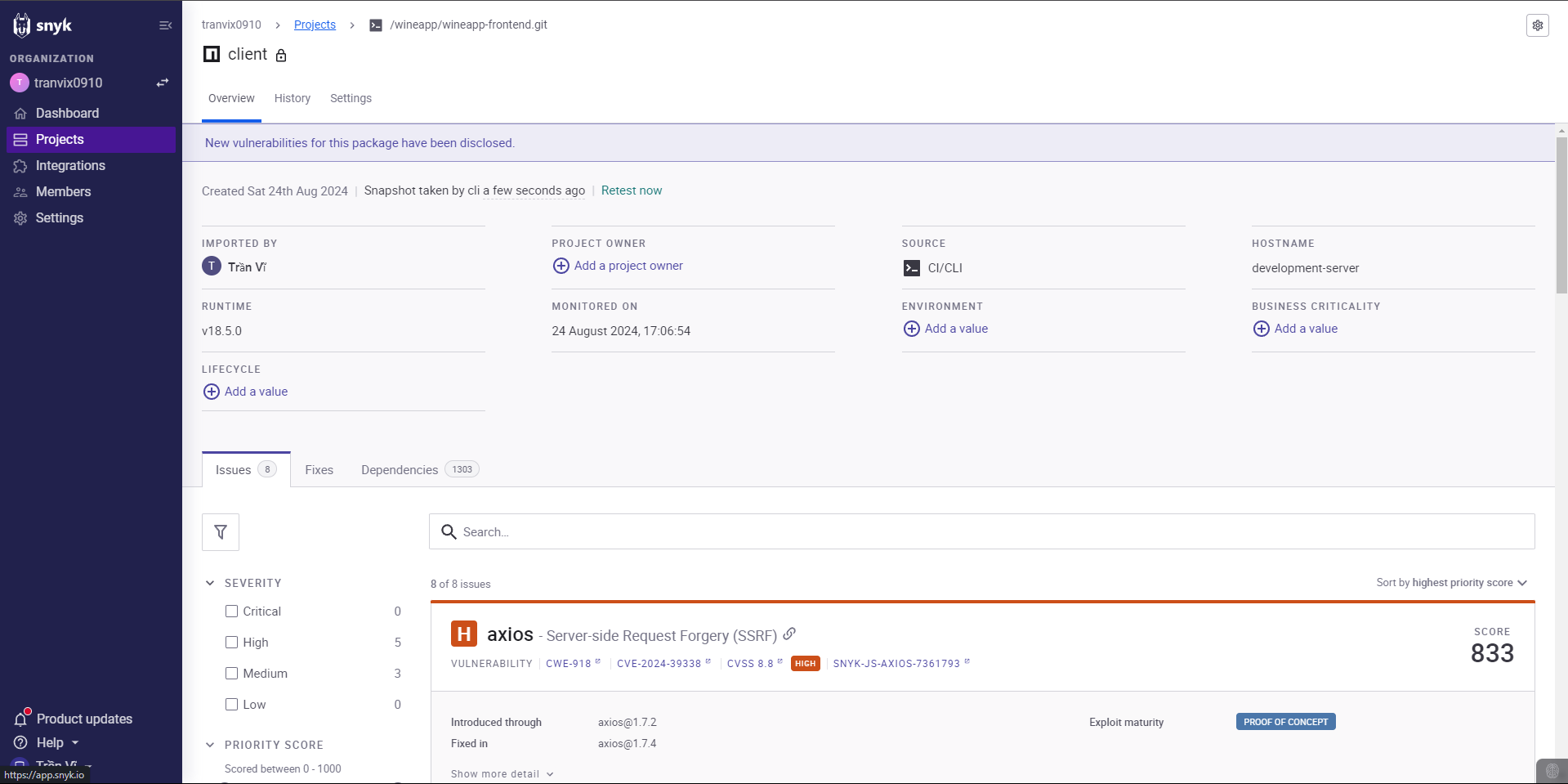
You can view detailed issues using the following command:
snyk monit

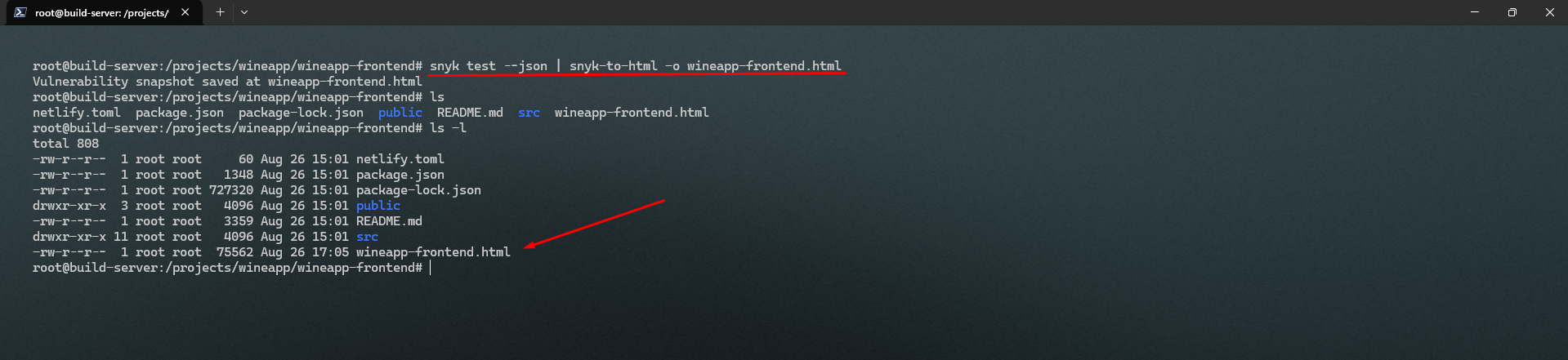
You can test and save the results to an HTML file:
snyk test --json | snyk-to-html -o <name_file>.html
Thus, Snyk has been installed and configured successfully.