Web Application Security Scan
Web Application Security Scan with Arachni
Once the project is successfully deployed, you can proceed with a web security scan.
Install Arachni on the Development Server. Since the project is deployed on this server, we will perform the test on this server.
Create a user for Arachni:
adduser arachni
Download and extract the Arachni installation file:
wget https://github.com/Arachni/arachni/releases/download/v1.5.1/arachni-1.5.1-0.5.12-linux-x86_64.tar.gz

tar -xvf arachni-1.5.1-0.5.12-linux-x86_64.tar.gz

Navigate to the extracted directory.

The bin directory contains the executable commands, which you can run through this directory.
You can run the following command to scan a deployed web page:
bin/arachni --output-verbose --scope-include-subdomains http://<your-ip>:<port> --report-save-path=/tmp/<name-file>.afr
http://<your-ip>:<port>: This is the address of the web application.The scan results will be saved in the
<name-file>.afrfile.Arachni Framework Report (.afr)is the format of the report file.
You can convert it to an HTML file using the command:
bin/arachni_reporter /tmp/wineapp-frontend.afr --reporter=html:outfile=<name-file>.html.zip
arachni@development-server:~/arachni-1.5.1-0.5.12$ bin/arachni_reporter /tmp/wineapp-frontend.afr --reporter=html:outfile=wineapp-backend.html.zip
Arachni - Web Application Security Scanner Framework v1.5.1
   Author: Tasos "Zapotek" Laskos <tasos.laskos@arachni-scanner.com>

           (With the support of the community and the Arachni Team.)

   Website:       http://arachni-scanner.com
   Documentation: http://arachni-scanner.com/wiki


 [*] HTML: Creating HTML report...
 [*] HTML: Saved in 'wineapp-backend.html.zip'.
arachni@development-server:~/arachni-1.5.1-0.5.12$ ls -l
total 904
drwxrwxr-x 2 arachni arachni   4096 Mar 29  2017 bin
-rw-rw-r-- 1 arachni arachni   6253 Mar 29  2017 LICENSE
-rw-rw-r-- 1 arachni arachni 893570 Jul 21 15:24 wineapp-backend.html.zip    <-----------------------------
-rw-rw-r-- 1 arachni arachni   1929 Mar 29  2017 README
drwxrwxr-x 7 arachni arachni   4096 Mar 29  2017 system
-rw-rw-r-- 1 arachni arachni   2078 Mar 29  2017 TROUBLESHOOTING
-rw-rw-r-- 1 arachni arachni     13 Mar 29  2017 VERSION
Creating a Docker Image for Arachni
## Tools: Arachni
## OS: Ubuntu
## Version: v1
FROM ubuntu:latest

RUN apt update -y && \
    apt install -y wget tar && \
    rm -rf /var/lib/apt/lists/*
RUN wget https://github.com/Arachni/arachni/releases/download/v1.5.1/arachni-1.5.1-0.5.12-linux-x86_64.tar.gz && \
    tar -xvf arachni-1.5.1-0.5.12-linux-x86_64.tar.gz && \
    rm arachni-1.5.1-0.5.12-linux-x86_64.tar.gz

WORKDIR /arachni-1.5.1-0.5.12

CMD ["bin/arachni"]
Build the image:
docker build -t tranvi0910/arachni:v1.5.1-0.5.12 .
Next, log in and push the image to Dockerhub. During the CI/CD process, you can pull the image and perform the test.
docker login

docker push tranvi0910/arachni:v1.5.1-0.5.12
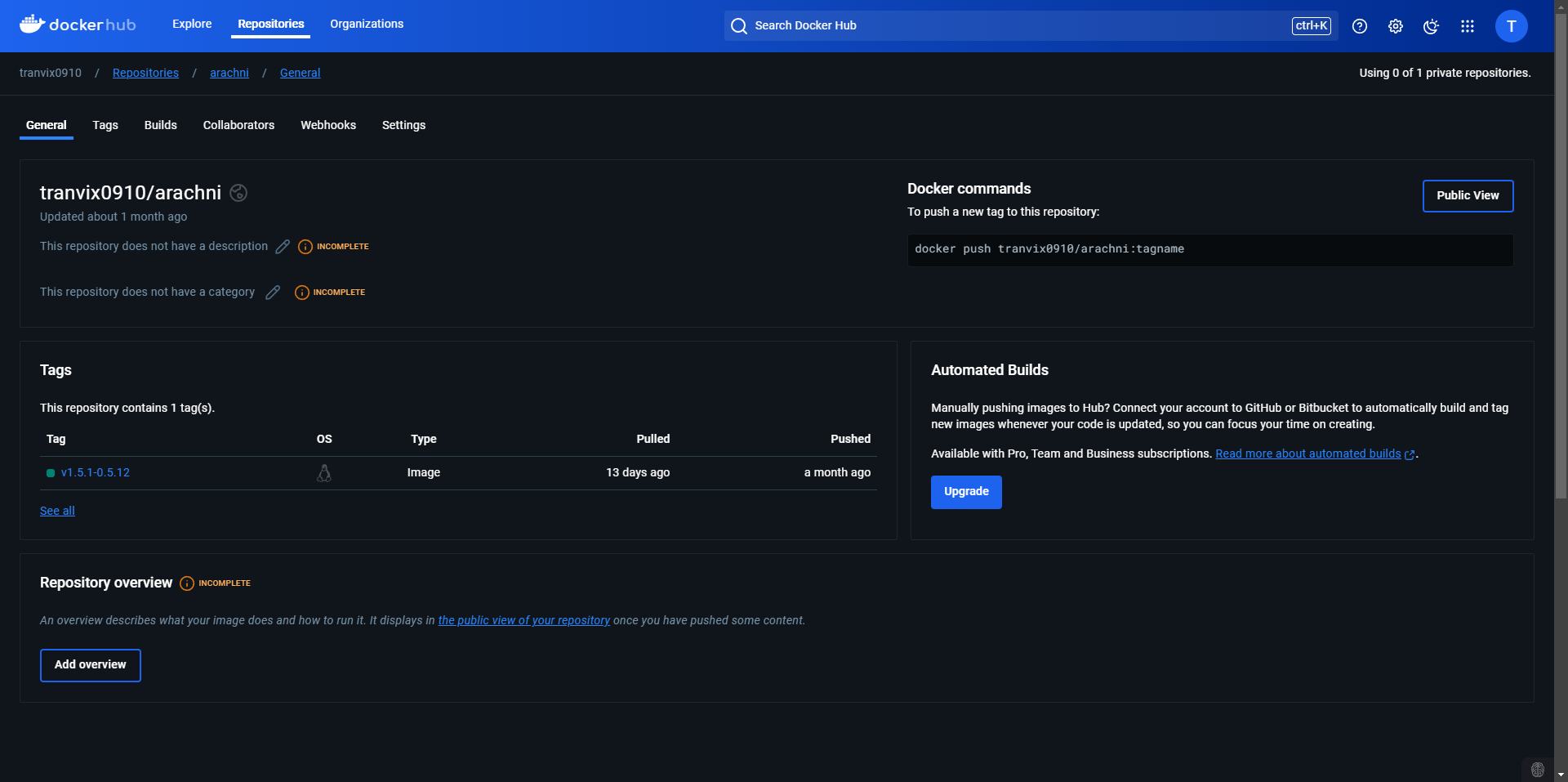
The setup and installation of Arachni are complete.