Send Report to Telegram
Preparation
To send reports to Telegram, you need to create a Telegram account.
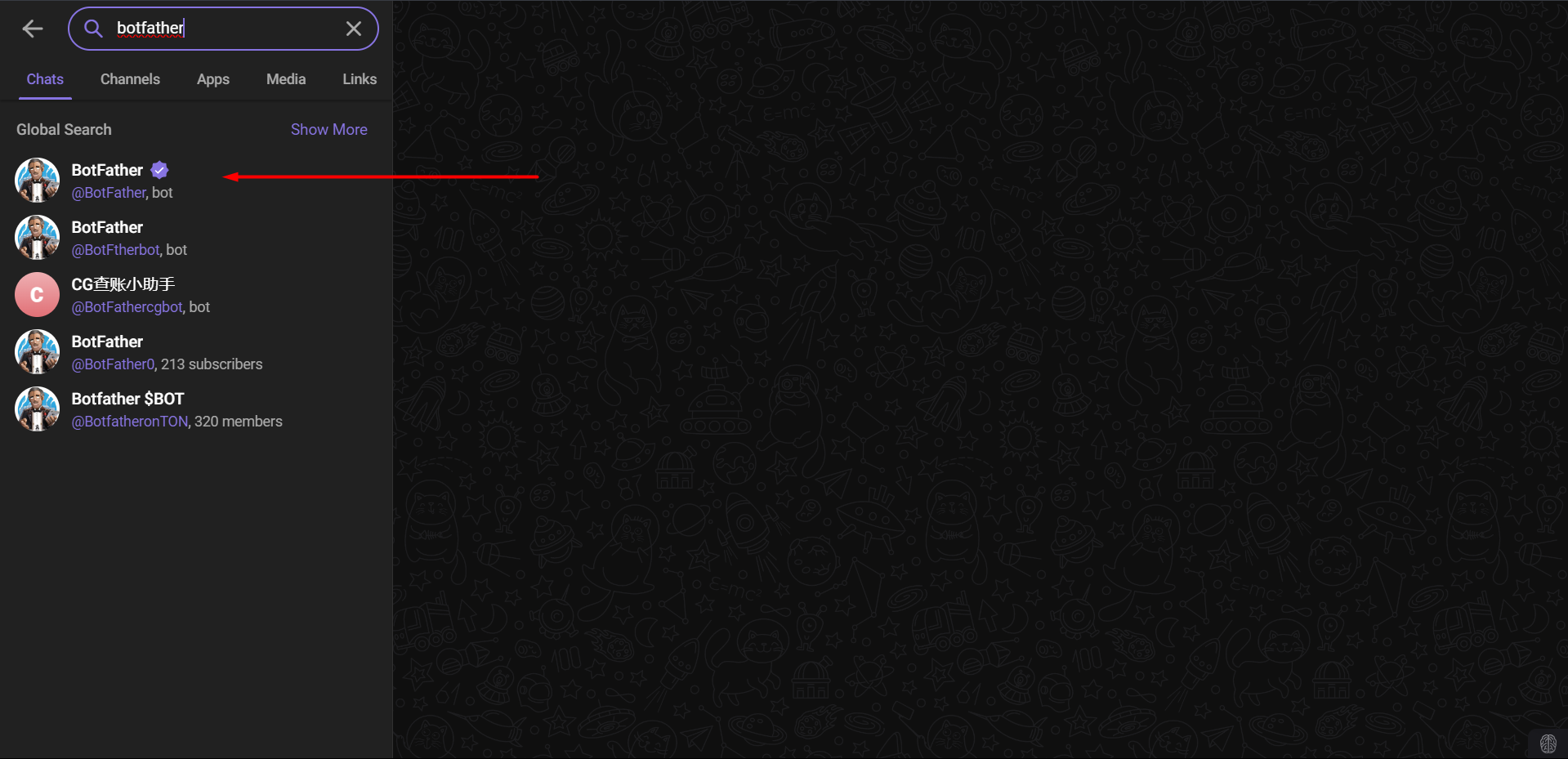
After successfully creating an account, search for BotFather to create a Bot.
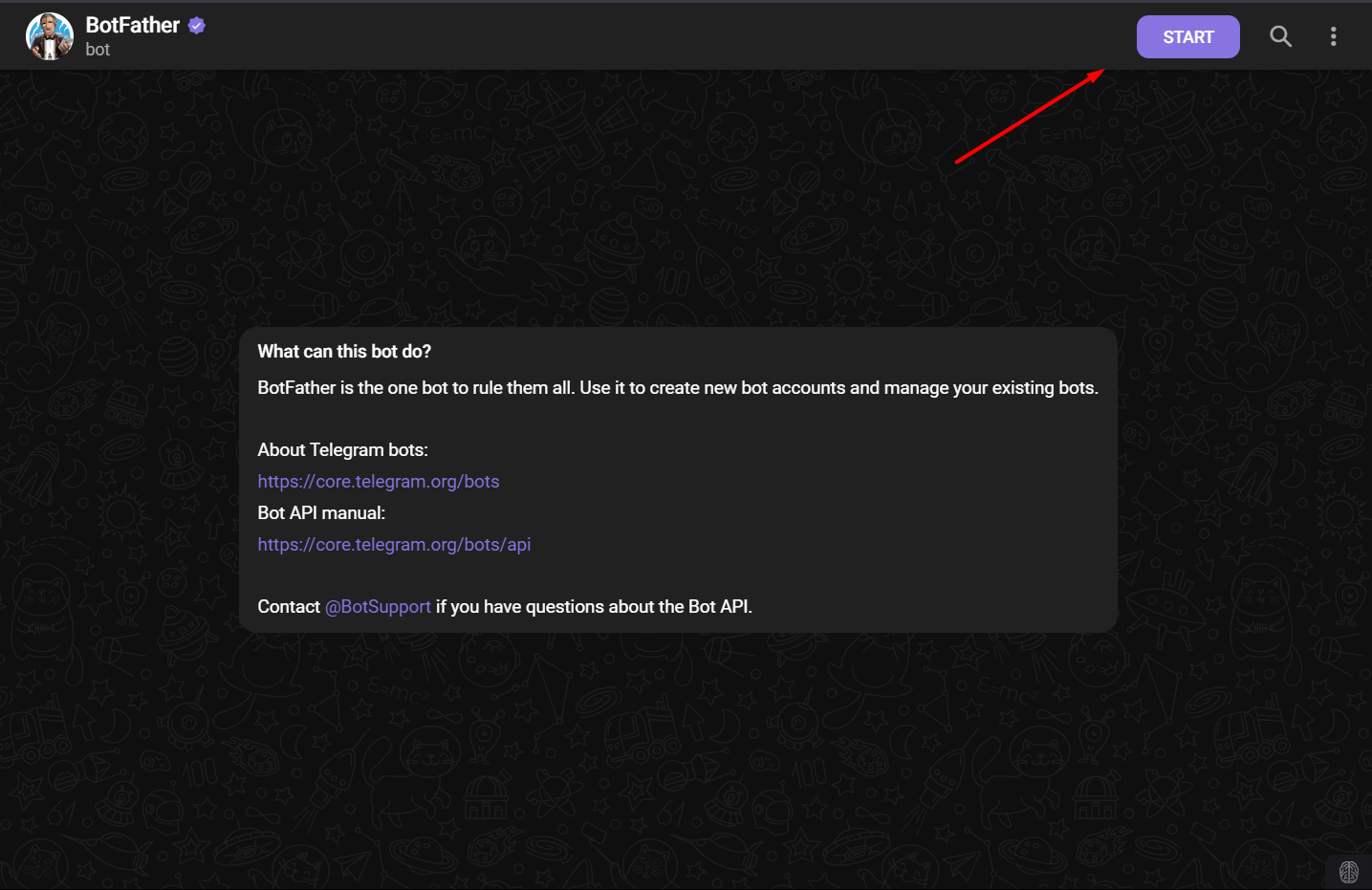
After starting, create a new Bot by entering /newbot.
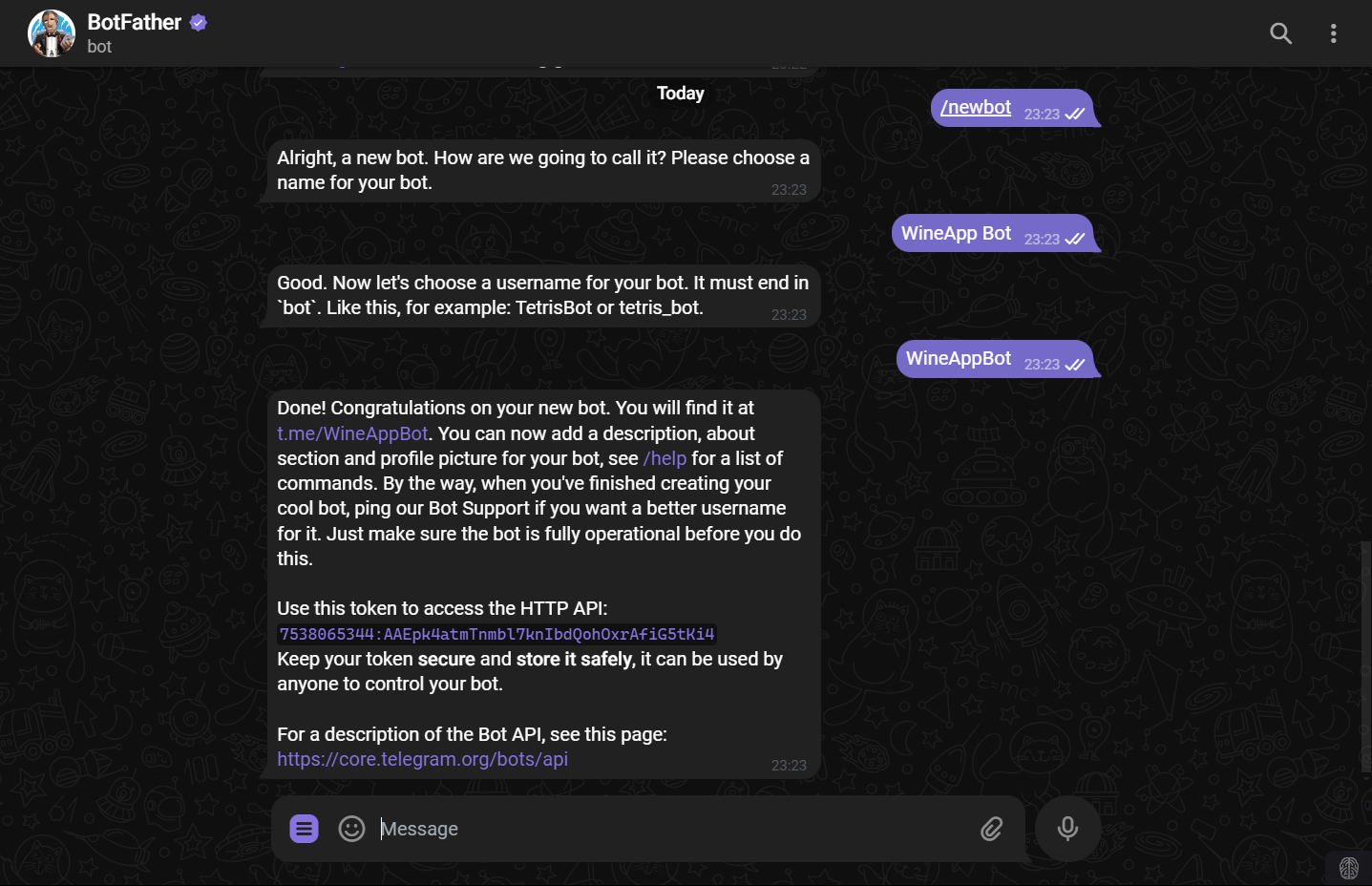
Once you complete the requirements, you will receive a Bot that can be accessed via a link and a Token.
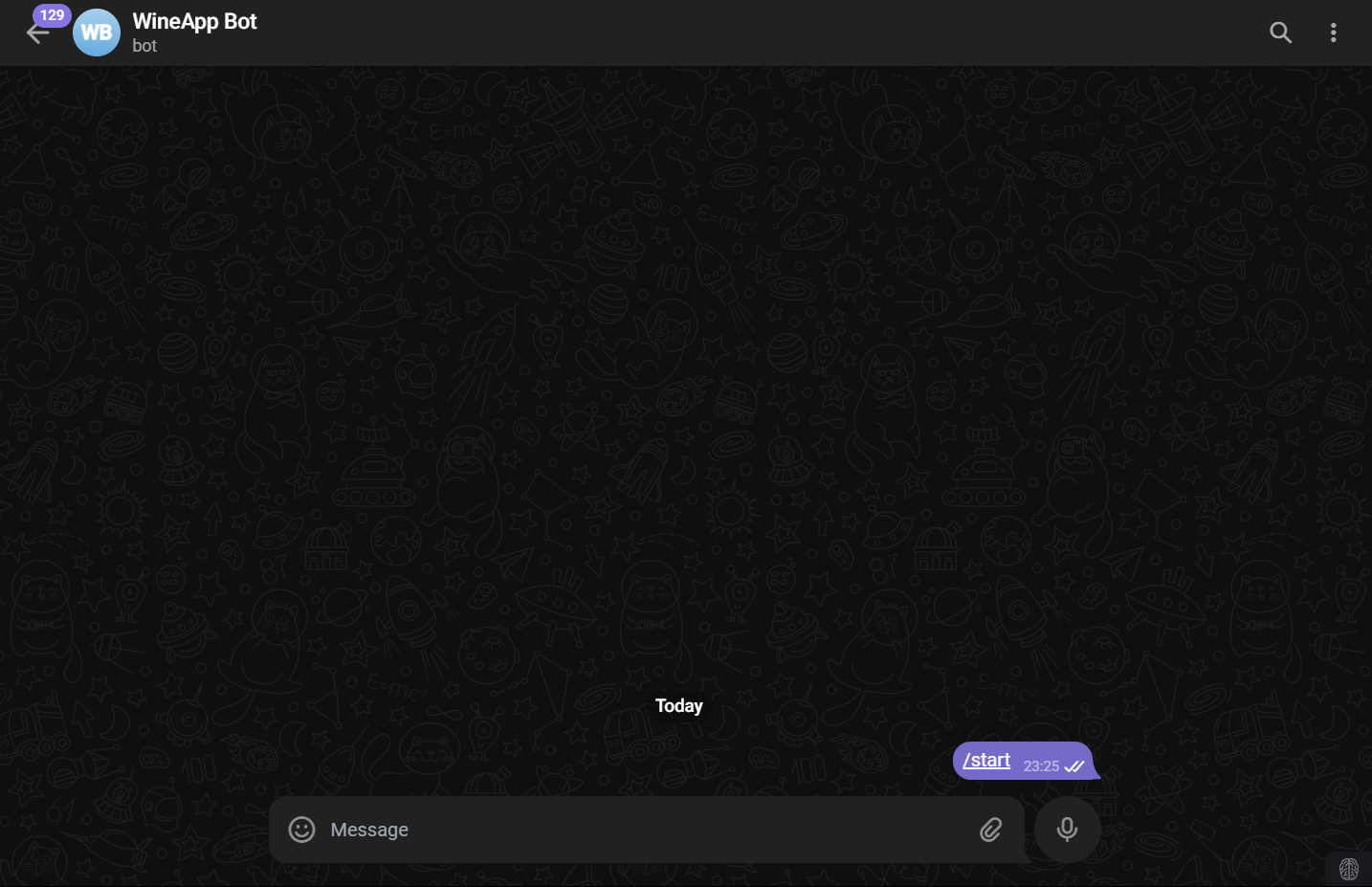
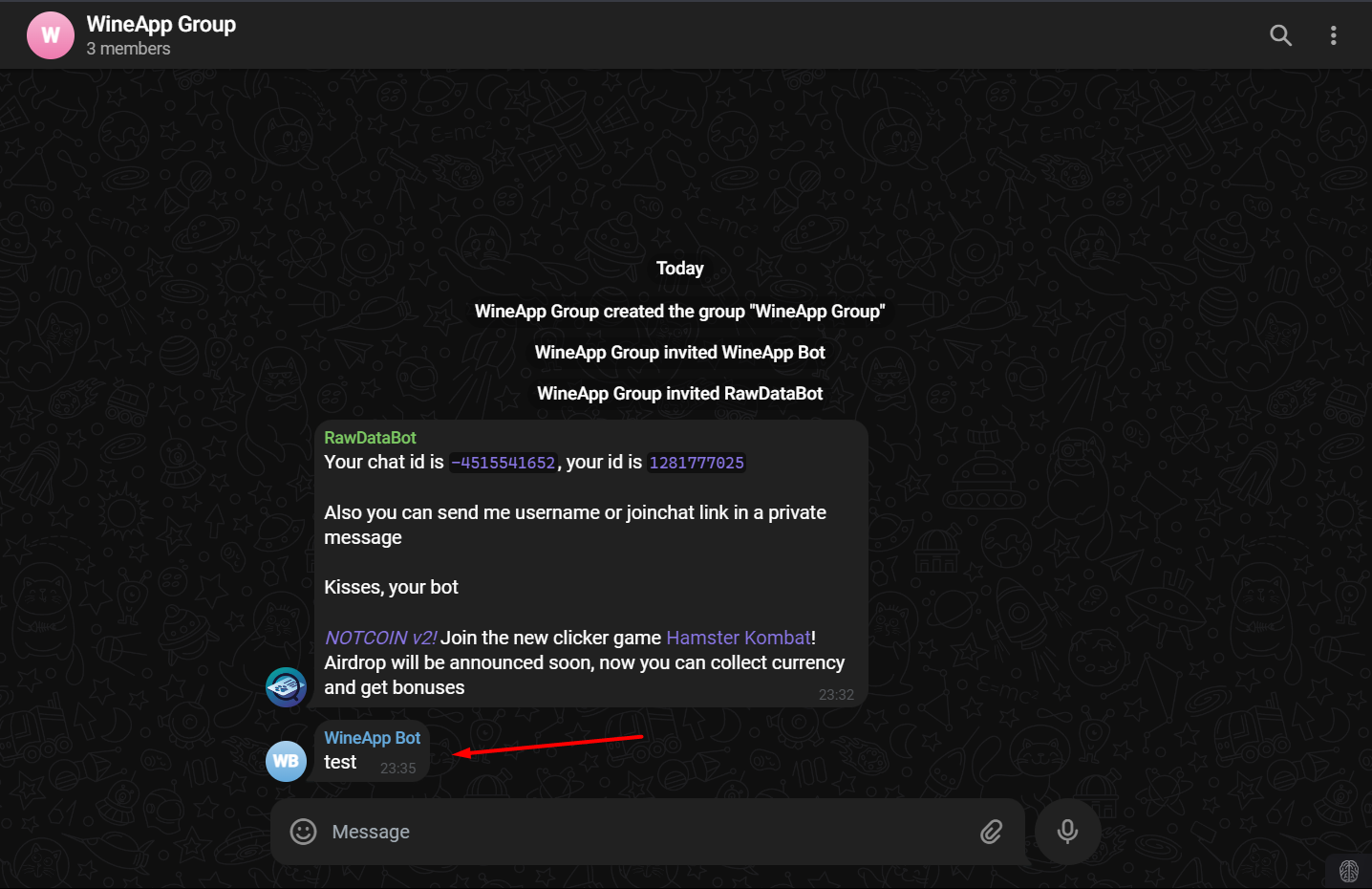
To allow the Bot to send notifications, create a Group and add the Bot to it.
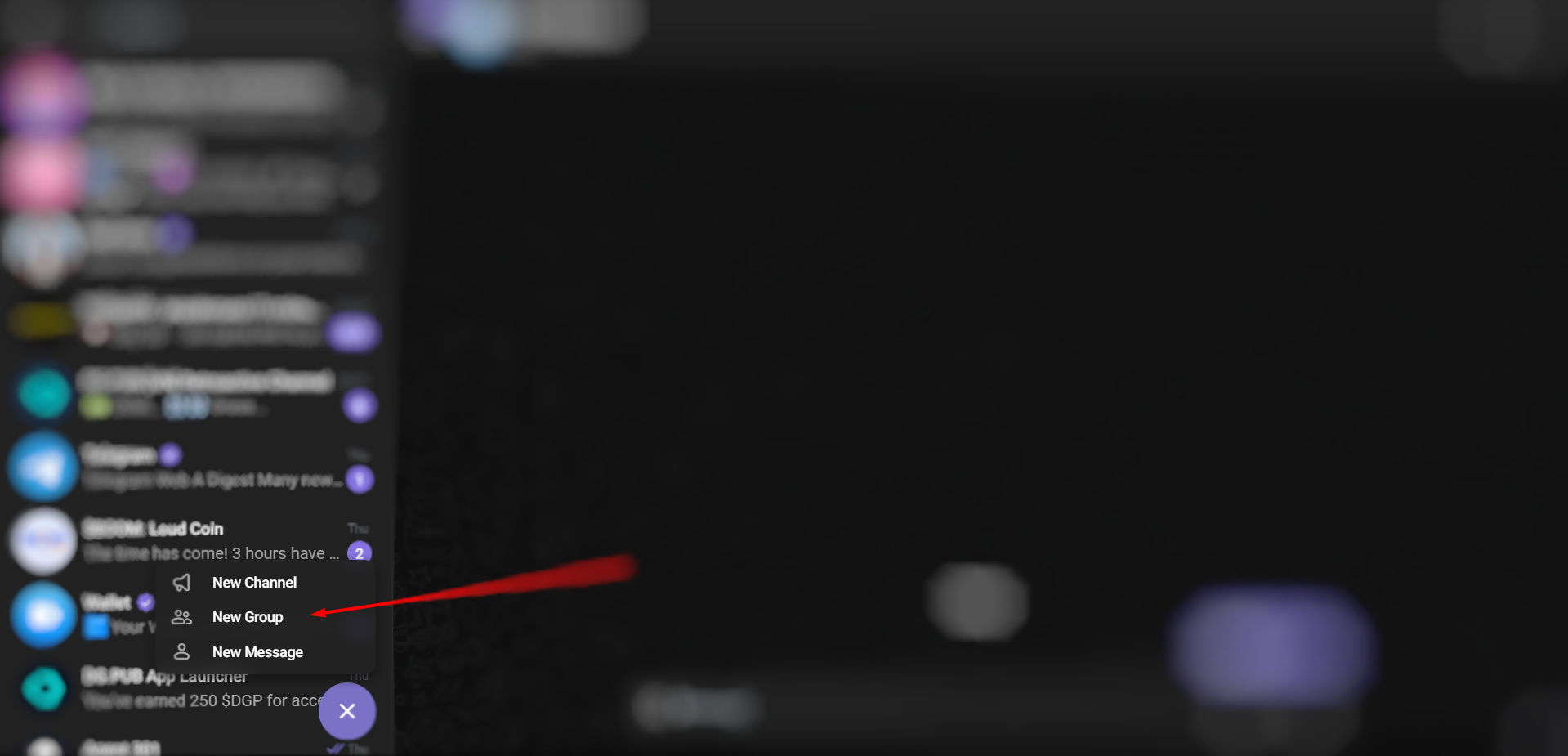
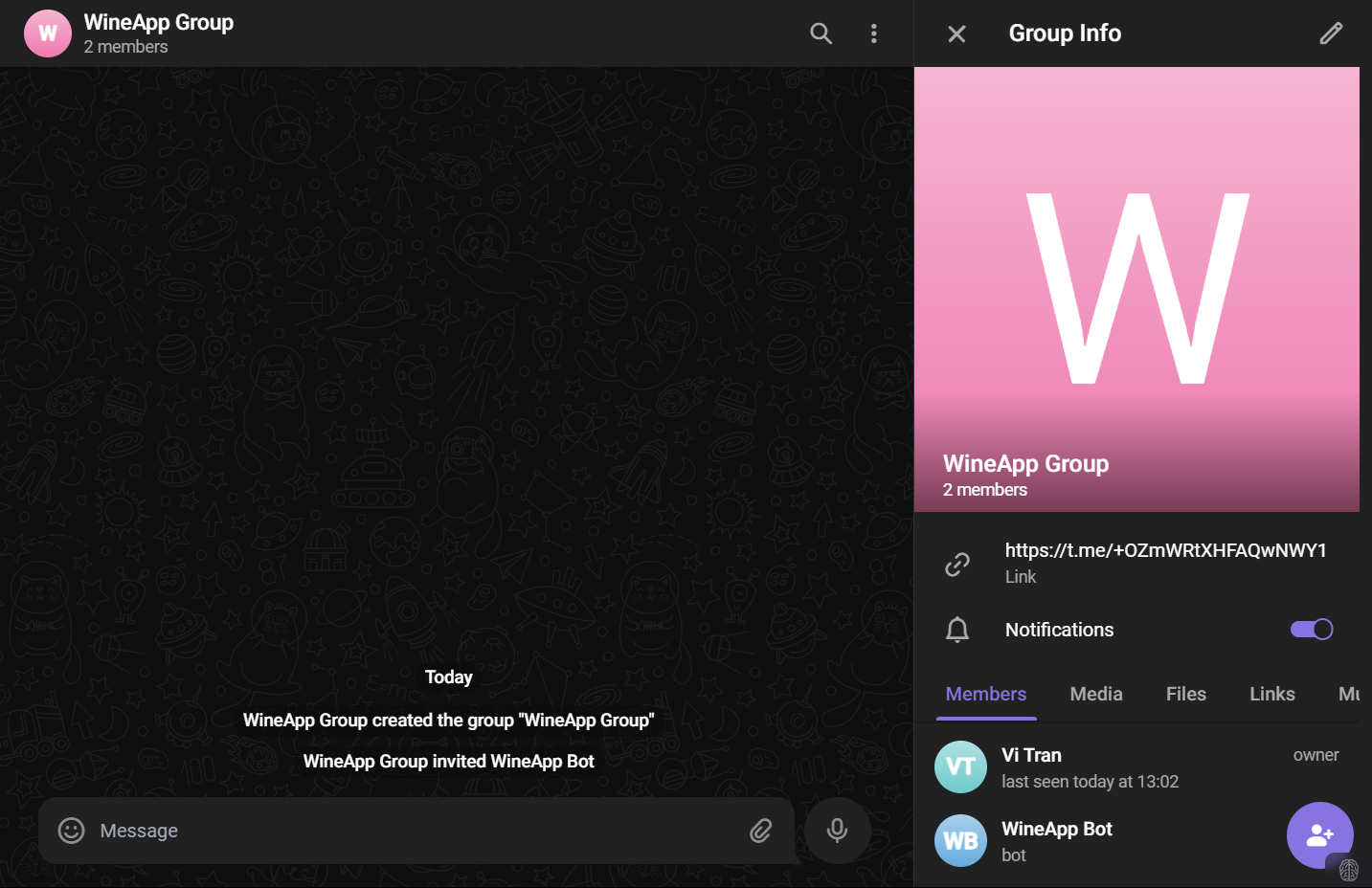
You need to know the Group ID to send messages, so add the Bot RawDataBot to get the ID.
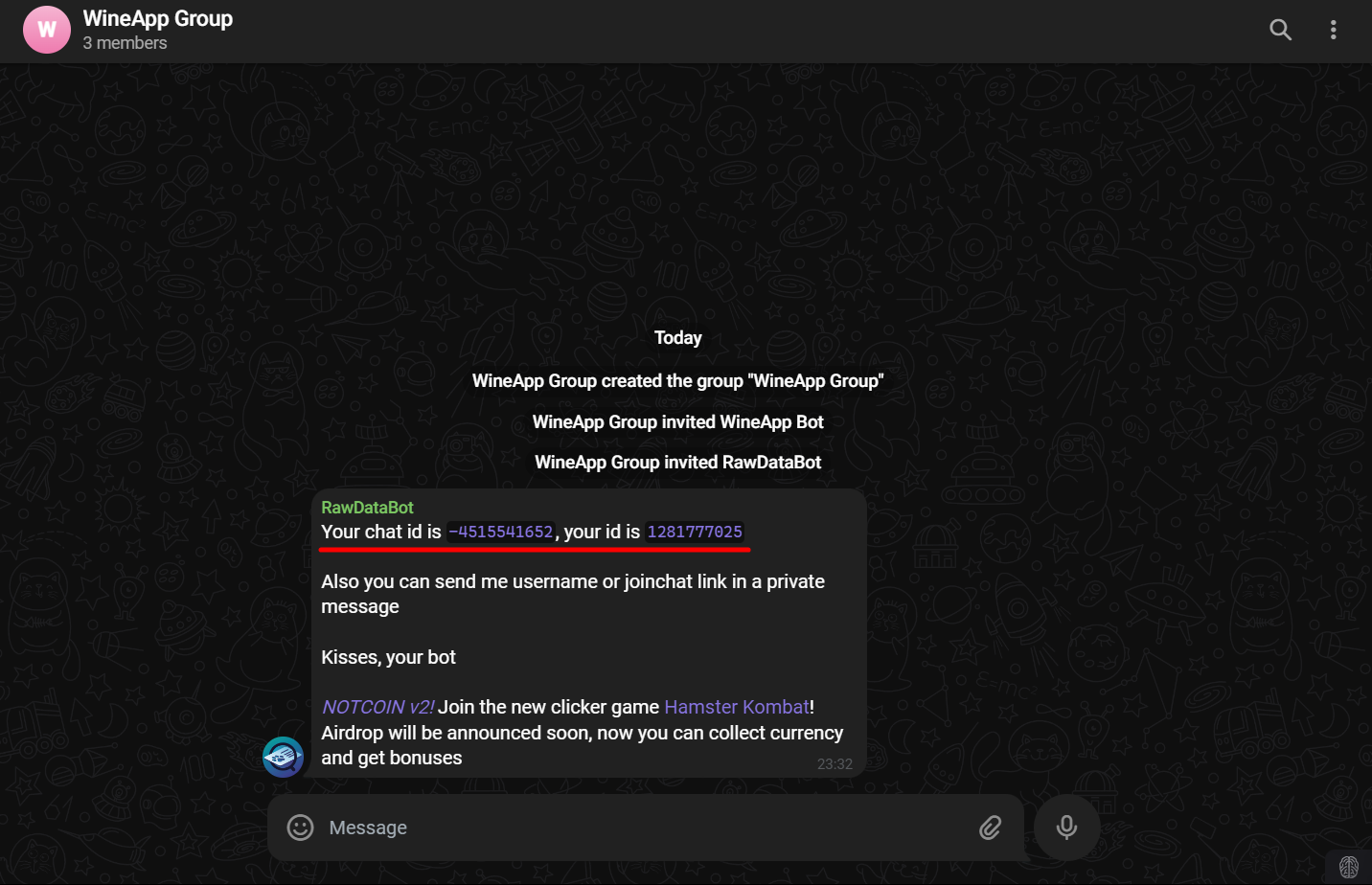
You can test sending a message via the server with the following command:
curl -X POST "https://api.telegram.org/bot<Bot_Token>/sendMessage" -d "chat_id=<chat_id>" -d "text=test"
curl -X POST "https://api.telegram.org/bot7zxsdfsdf:asskafiscaisdasca/sendMessage" -d "chat_id=-22asdcasd" -d "text=test"
Send Report Stage
We will add a Stage to send the Report immediately after completing the Tests.
This Stage will have 2 Jobs.
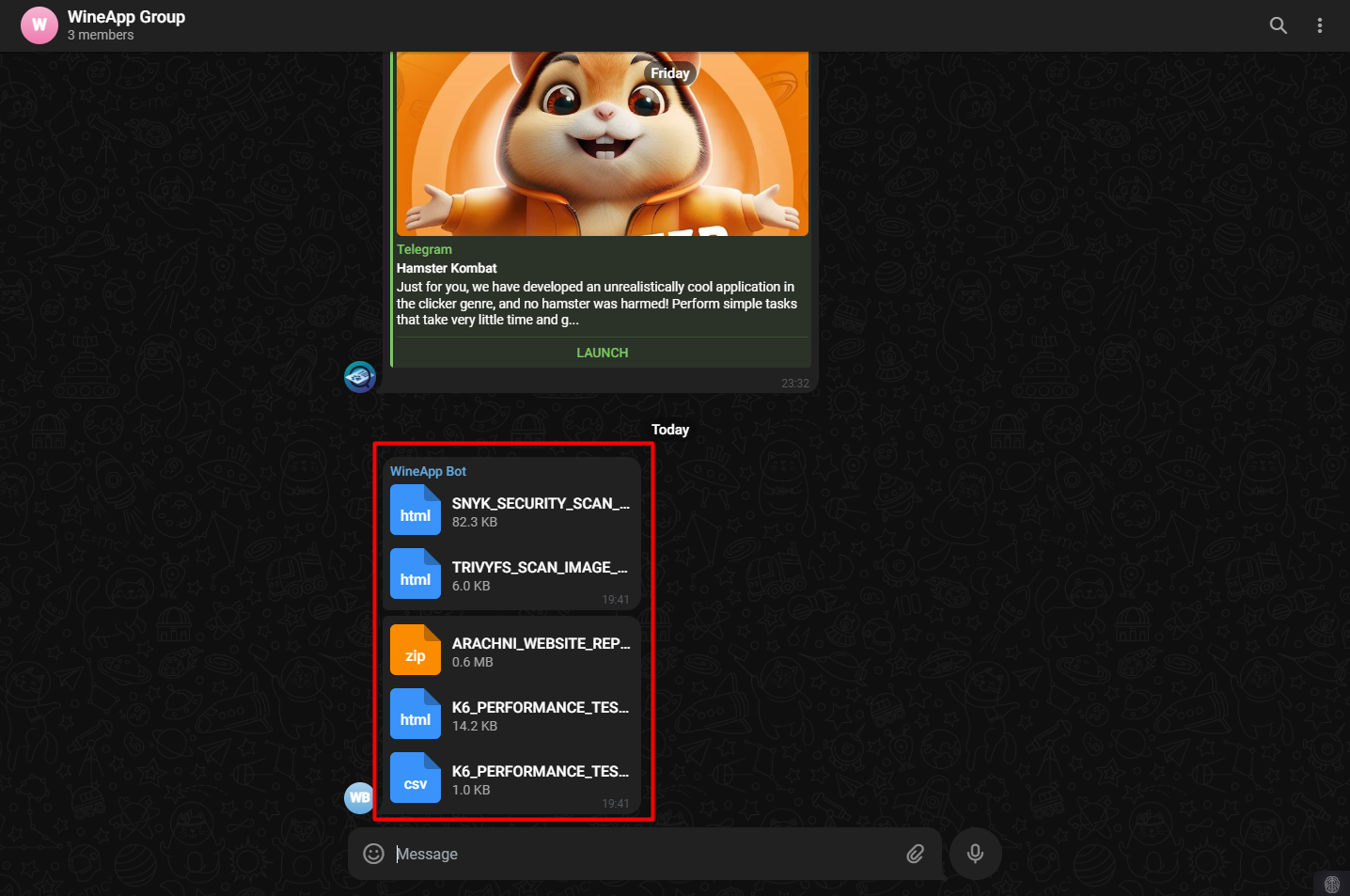
The send report from build server job will send 2 report files Code Security Scan and Image Scan generated before deploying the project.
The send report from dev server job, similar to the previous job, will send report files after deploying the project.
send report from build server:
    stage: send report
    variables:
        GIT_STRATEGY: none
    script:
        - curl -F "chat_id=${TELE_GROUP_CHAT_ID}" -F 'media=[{"type":"document","media":"attach://file1"}, {"type":"document","media":"attach://file2"}]' -F "file1=@$(pwd)/${SNYK_SECURITY_SCAN_REPORT}.html" -F "file2=@$(pwd)/${TRIVYFS_SCAN_IMAGE_REPORT}.html" "https://api.telegram.org/bot${API_BOT}/sendMediaGroup"
    tags:
        - wineapp-build-shell
    only:
        - tags
send report from dev server:
    stage: send report
    variables:
        GIT_STRATEGY: none
    script:
        - curl -F "chat_id=${TELE_GROUP_CHAT_ID}" -F 'media=[{"type":"document","media":"attach://file1"}, {"type":"document","media":"attach://file2"}, {"type":"document","media":"attach://file3"}]' -F "file1=@$(pwd)/${ARACHNI_WEBSITE_REPORT}.html.zip" -F "file2=@$(pwd)/${K6_PERFORMANCE_TEST_REPORT}.html" -F "file3=@$(pwd)/${K6_PERFORMANCE_TEST_REPORT}.csv" "https://api.telegram.org/bot${API_BOT}/sendMediaGroup"
    tags:
        - wineapp-dev-shell
    only:
        - tags
After running the pipeline, the Bot will send the report files from the previous Stages.